The undo command is useful when you've mistakenly checked-out an automation asset or haven't made any changes to it. Instead of checking the file back in, which creates a new version with no qualitative changes, the check-out can rather be undone.
Here's how:
Locate the file
In Workbench, navigate to the checked-out file and select it in the Assets pane. The Items ribbon-bar opens.
Undo the check-out
In the Items menu, click Undo Check-out. The wizard opens to help you complete the operation.
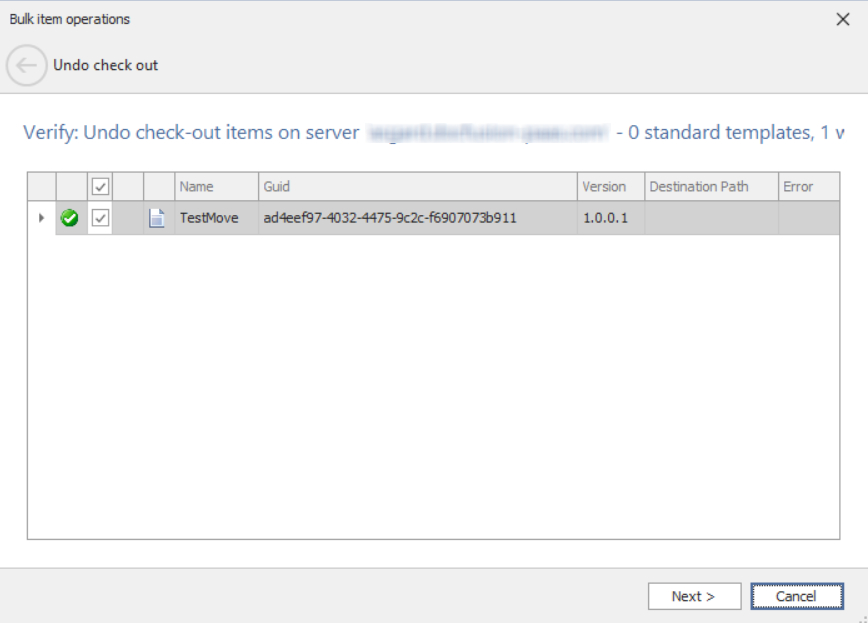
Verify the details presented by the wizard, then click Next to proceed with an Undo Check-out.
If there are any errors, the wizard will direct you accordingly to help resolve them. Otherwise, you will be directed to the final step, which confirmation the success of the undo operation.
Click Finish to dismiss the wizard.