Follow the steps in this guide to move a locally-stored template to a server.
1. Select the template
Open Workbench and navigate to the local repository where the template you wish to copy to the server exists.
If the template exits in the local folder but does not appear in the Registered Local Repository, hit the Refresh to get the latest listing from the local folder.

Now, log-on to the Business Unit you want to copy the template to.
2. Copy the template
Now, drag and drop the template from your local repository to the destination (online) repository. When you drop the file, The Bulk Item Operations wizard opens to help you complete the operation.
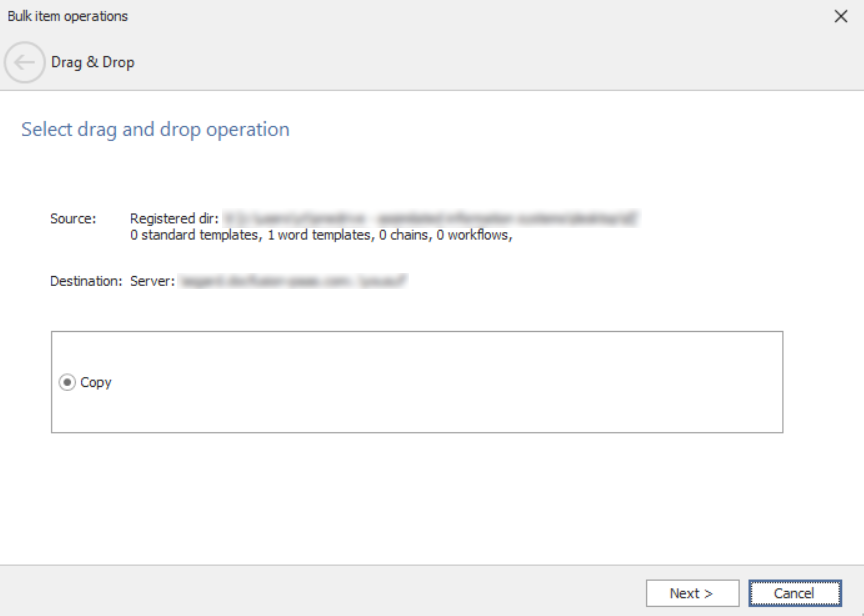
Verify the source and destination locations, then click Next.
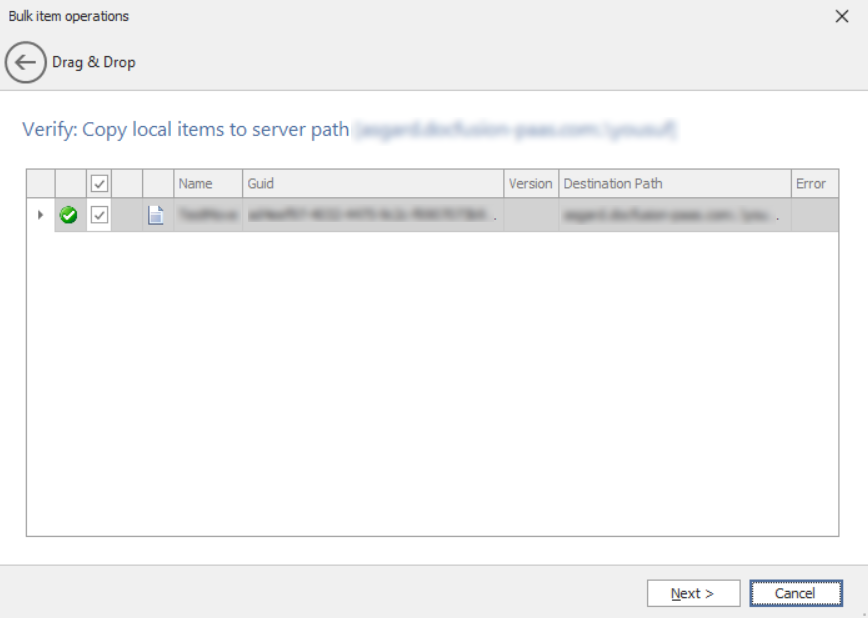
The wizard advances you to the next step when the operation is complete. Click Finish to dismiss the wizard. The template is now available on the server.