Custom error levels that are set globally using DocFusion Workbench apply to all templates contained within a business unit. This guide shows you how to perform the customization.
1. Open the Environment Properties
Open Workbench and login.
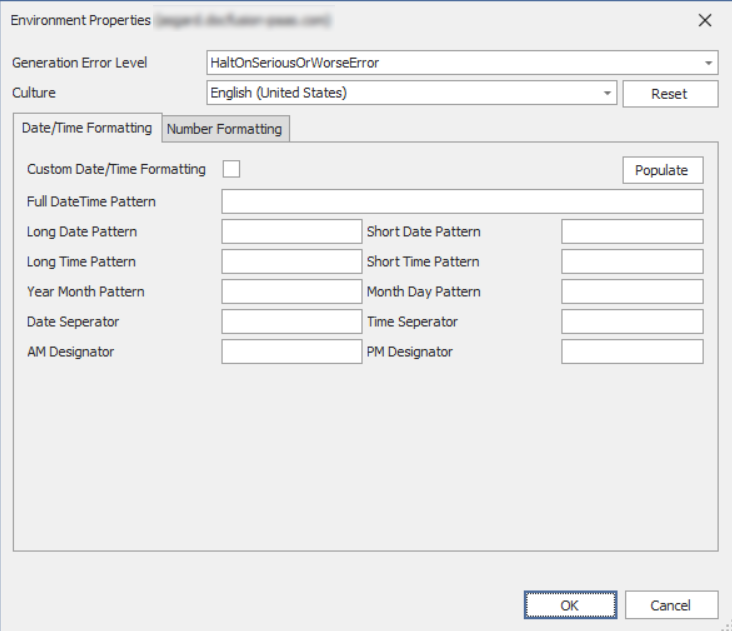
In the Workbench Items pane, select the server that contains your business unit and trigger the Properties command from the Repository menu. This opens the Environment Properties window.
2. Customize error handling
Now, locate the Generation Error Level setting. Using the dropdown, select an option that reflects the level of tolerance to apply during generation-time.
For more information, and clarity on each level of error handling tolerance, please see this guide...

Click OK to save your changes and dismiss the dialog.