Security administrators can help users to reset lost passwords by emailing them a reset-link from Workbench. The following steps show you how accomplish this:
First, open Business Unit Security
Open DocFusion Workbench and login.
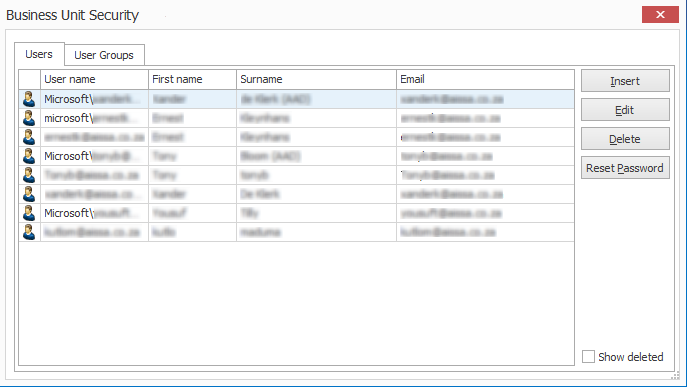
In the Workbench Items pane, select the Business Unit that the user belongs to and click the Security command in the Repository menu. This opens the Business Unit Security window.
Next, reset the password
In the list of users, select the one whose password you want to reset. Confirm the user's email address using the profile information listed.
Now, click the Reset Password button. DocFusion will send an email containing a reset link to the configured email address.
Users who receive the password reset email will be directed accordingly to create a new password.