While extending a Microsoft Word document using DocFusion adds automation functionality, removing the DocFusion extension from templates deletes it. The document will no longer be suitable for any document automation tasks. No functionality in Microsoft Word, or the DocFusion add-in, is affected.
The Remove Extension command applies only to the template currently opened in Microsoft Word.

Removing template extensions
With your DocFusion template opened in Microsoft Word, navigate to the DocFusion ribbon bar.
Now, find the Remove Extension command and click it. You will be prompted to confirm your choice.
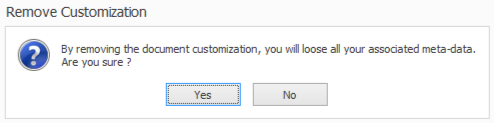
To stop the removal of DocFusion extension to your template, click No. This aborts the operation.
Otherwise, click Yes. Your DocFusion template will be reverted to an ordinary Microsoft Word document.